Reporting Tab - Add a Logo
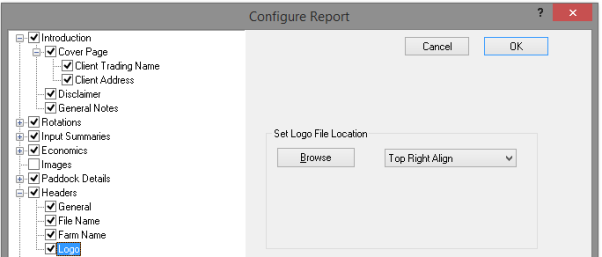
The logo used must be a bitmap image, and should be prepared to an appropriate size for the reports.
To add your own logo:
- Click Reports Tab
- Click Setup
- Click ‘+ Headers’
- Tick Logo
- Click Browse and navigate to the file location of the image